
Autorecorder
The auto-recorder allows you to make long-term recordings with extended pauses, whereby only the sections from a certain volume level upwards are saved as separate files.
This allows you to record your own comments during a session. However, it can also be used wherever rare sound events occur.
When the first event occurs, a folder is created with a timestamp as its name. Each recording is also labelled in this way.
The auto-recorder data is stored separately from the session data in the browser’s cache and is therefore not directly usable within a session. However, it can be exported as a collection of MP3 files.
Please note: For technical reasons, the screen is kept active whilst the auto-recorder is running to prevent the application from accidentally entering sleep mode. If left running for a very long time, this may drain the battery.
Automatic recordings
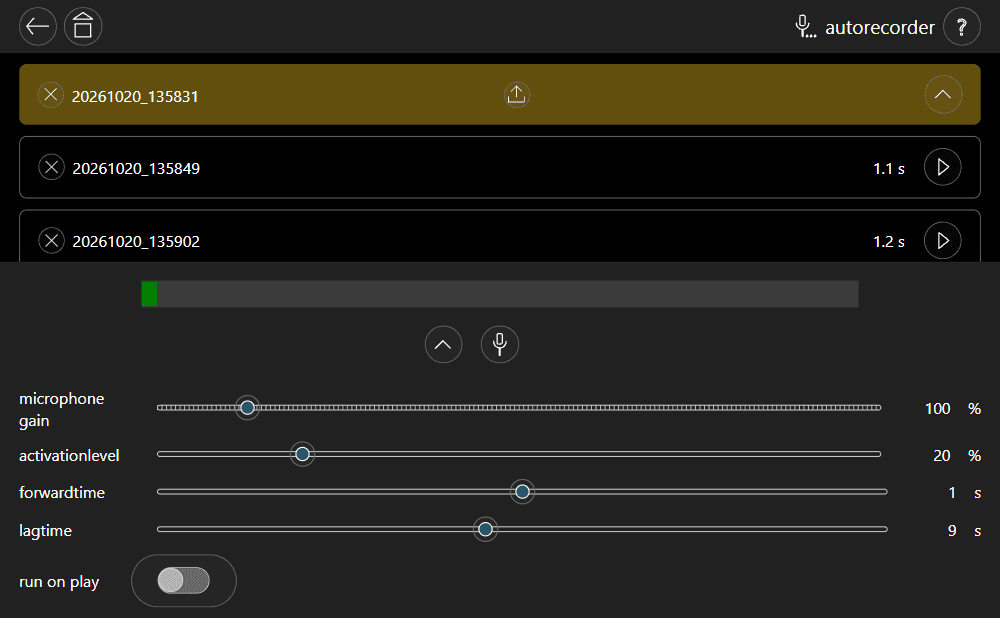
The video shows how, during pauses longer than the set overrun time, the recording is saved and, after the pause, a new one is started.
However, the recording is not interrupted during shorter pauses.